FunTime™
Anarchy for Minecraft: Java Edition
PvP, raids and griefing on 1.16.5 and up, a fresh map once a month. The server of YouTuber SpookyCat.
- Online now 0
- The dragon, 19:00 MSK --:--:--
- New here? How to start playing

Modes
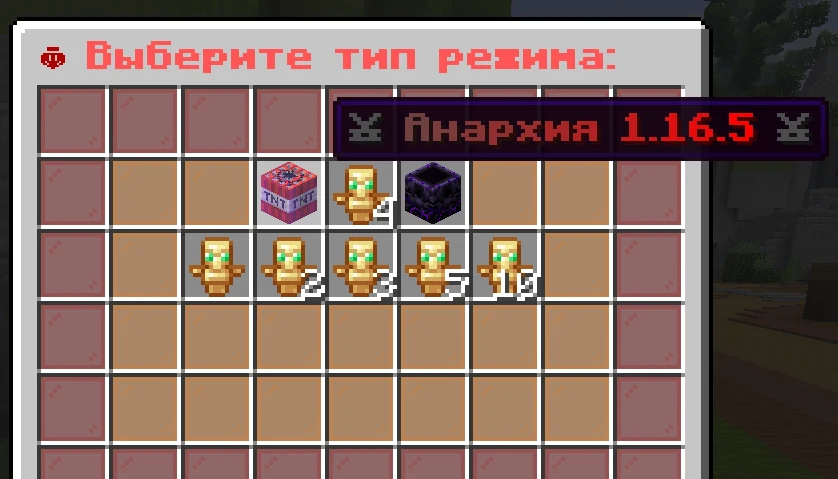
1.16.5 – 1.21.11
Anarchy 1.16.5
For versions 1.16.5 – 1.21.11. PvP, raids, clans, events and auto-mines, with a fresh map once a month.
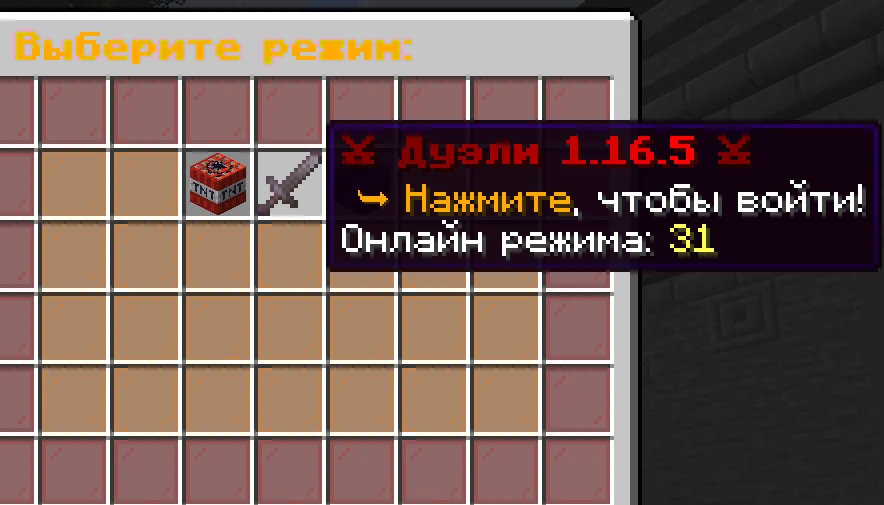
PvP
Duels
A separate mode where players practice one-on-one. It has its own kits and nothing from the anarchy. /duel nick challenges a player.
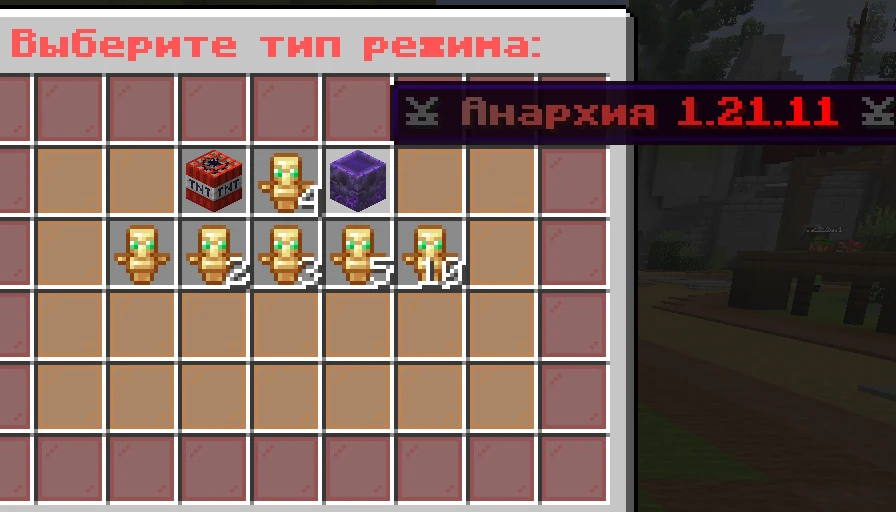
1.21 – 1.21.11
Anarchy 1.21
For versions 1.21 – 1.21.11. The mace, wind charges, the spear and much more.
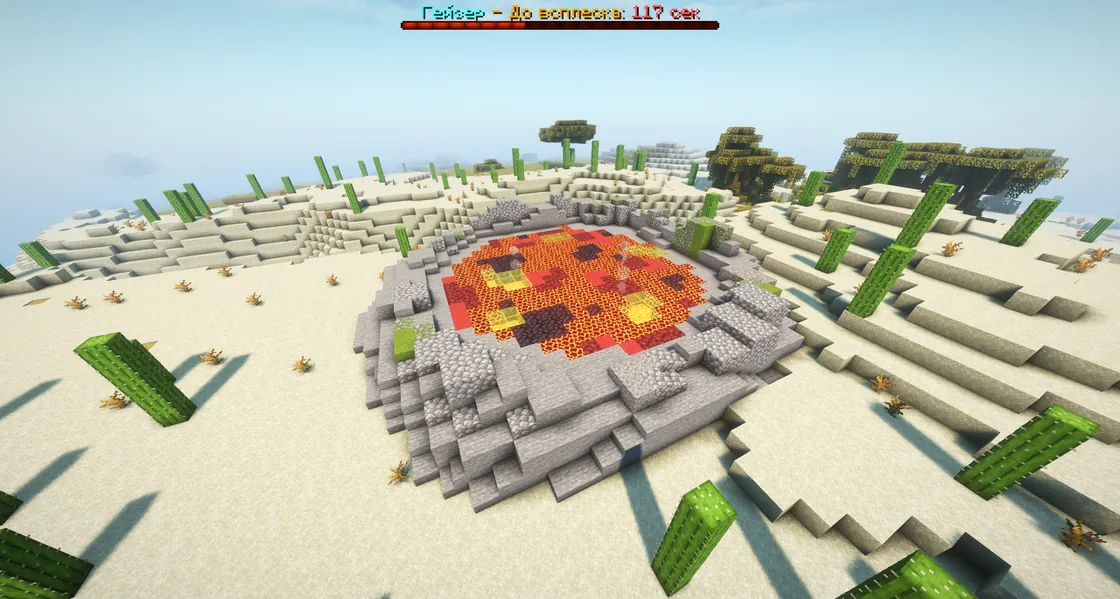
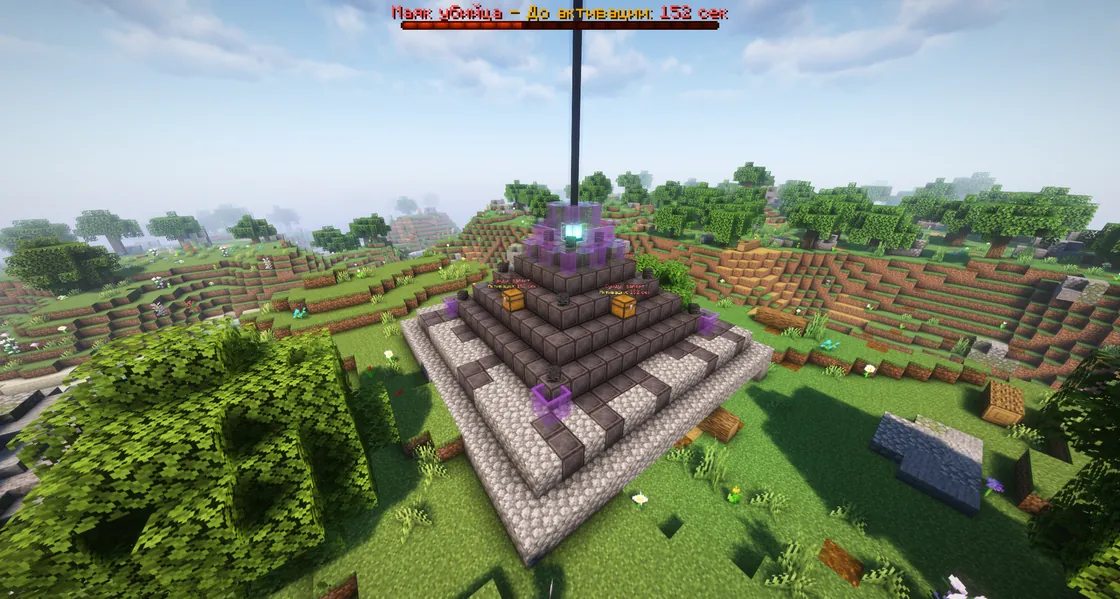
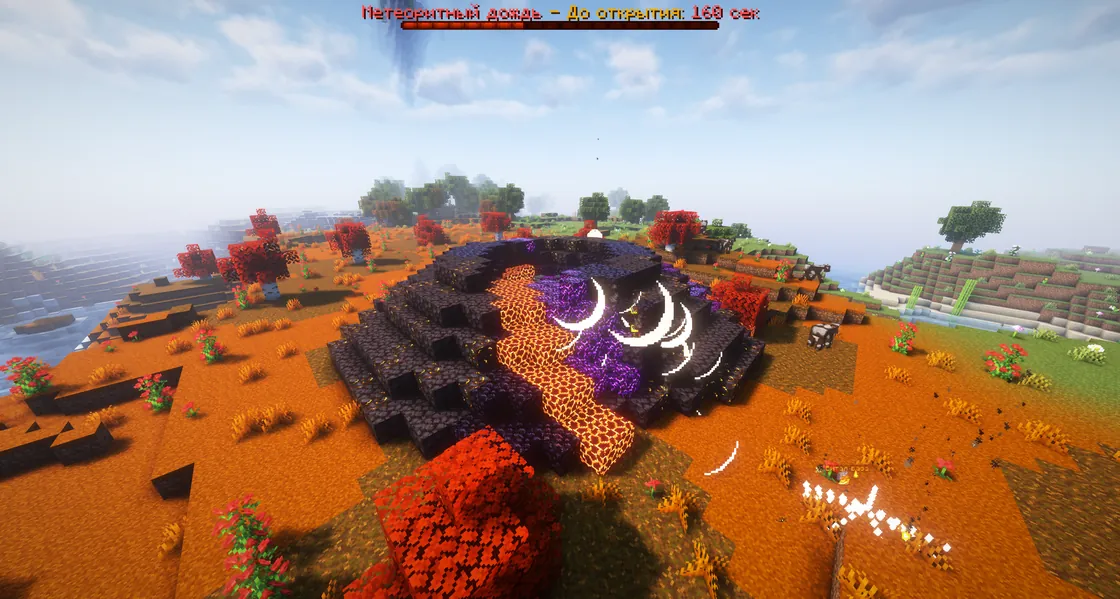
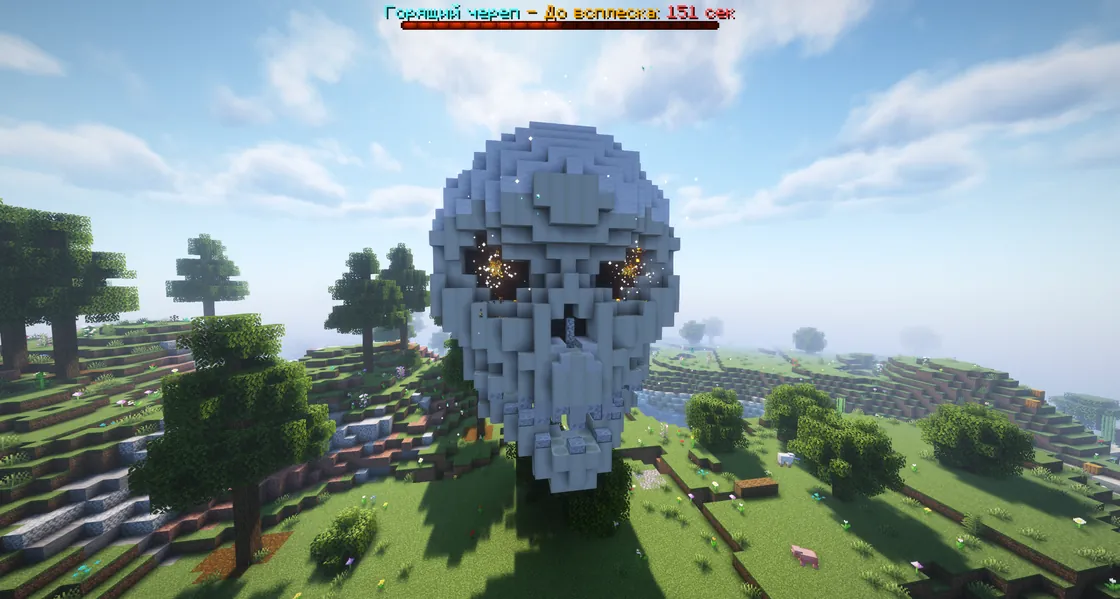
They start on the anarchies by themselves, on a timer.
Fortuna resultsSpookyTime archive
Results of October 16, 2026
The contest of the wipe that started on September 19, 2026.
The results of the global autumn wipe’s contest. SpookyCat runs the count with /fortuna result, the winners appear in chat page by page, and at the end comes the announcement: “Tomorrow 13:00 MSK, the second autumn wipe”.
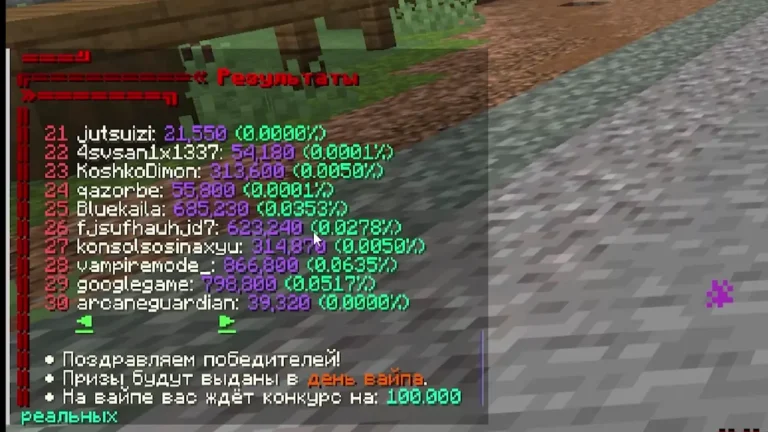 SpookyTimeFortuna resultsOctober 16, 2026
Fortuna resultsSpookyTime archive
Results of October 16, 2026
The contest of the wipe that started on September 19, 2026.
The results of the global autumn wipe’s contest. SpookyCat runs the count with
/fortuna result, the winners appear in chat page by page, and at the end comes the announcement: “Tomorrow 13:00 MSK, the second autumn wipe”.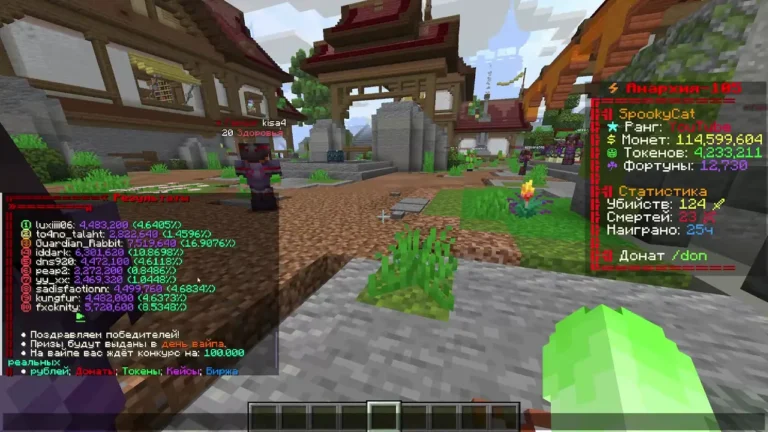 SpookyTimeFortuna resultsSeptember 18, 2026
Fortuna resultsSpookyTime archive
Results of September 18, 2026
The contest of the wipe that started on August 17, 2026.
The results of the last summer wipe’s contest. The chat lists all 50 prize places with each winner’s nickname, Fortuna and odds.
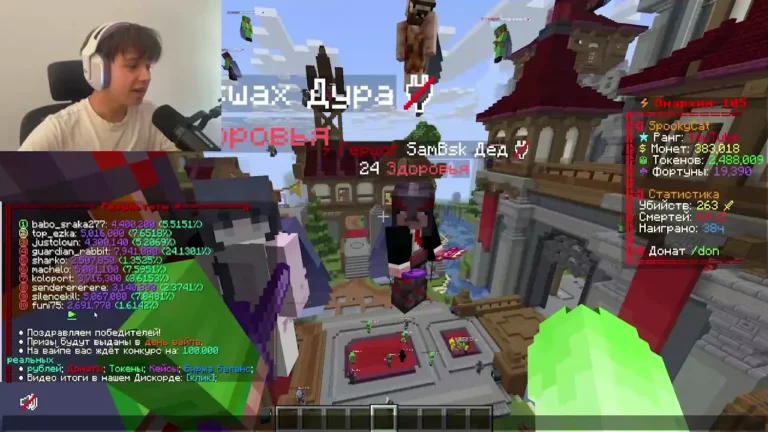 SpookyTimeFortuna resultsAugust 16, 2026
Fortuna resultsSpookyTime archive
Results of August 16, 2026
The contest of the wipe that started on July 13, 2026.
The results of the second summer wipe’s contest were shown live on SpookyCat’s TikTok stream. This is the recording.
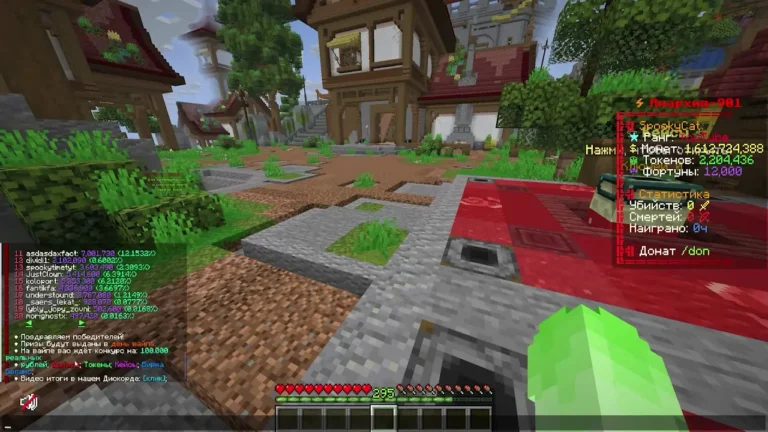 SpookyTimeFortuna resultsJuly 12, 2026
Fortuna resultsSpookyTime archive
Results of July 12, 2026
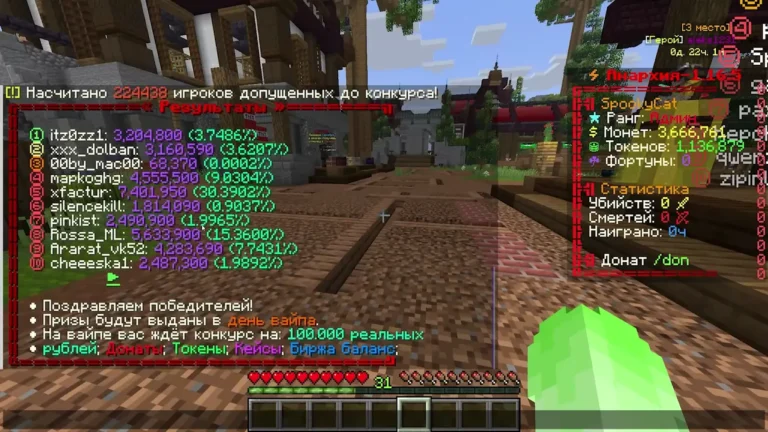
The contest of the wipe that started on June 9, 2026.
The results of the global summer wipe’s contest, the wipe that opened the 1.21 anarchies.
 SpookyTimeFortuna resultsJune 8, 2026
Fortuna resultsSpookyTime archive
Results of June 8, 2026
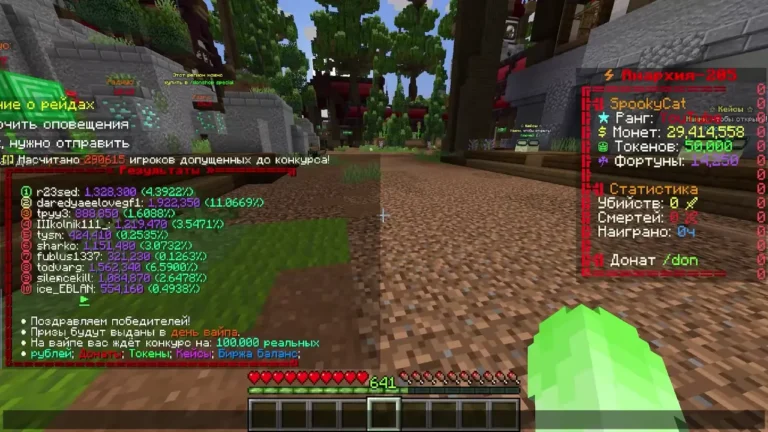
The contest of the wipe that started on April 25, 2026.
The results of the last spring wipe’s contest, the day before the 1.21 anarchies opened. The count runs on a 1.16.5 anarchy.
 SpookyTimeFortuna resultsApril 24, 2026
Fortuna resultsSpookyTime archive
Results of April 24, 2026
The contest of the wipe that started on March 21, 2026.
The results of the first spring wipe’s contest. SpookyCat types
/fortuna result, the server counts everyone’s Fortuna, and the winners and their odds appear in chat page by page.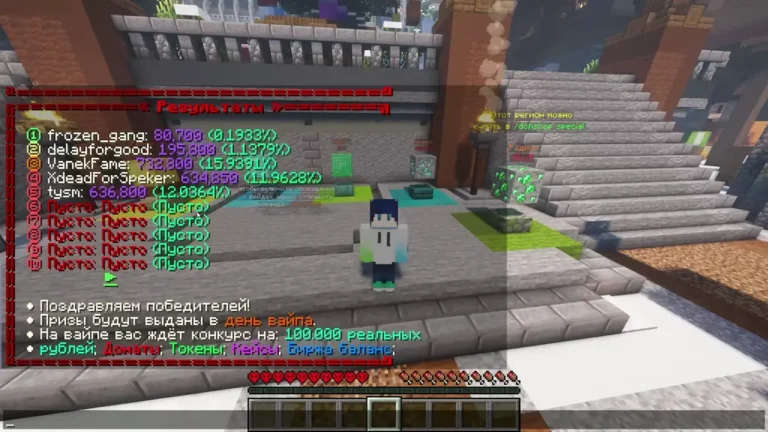 SpookyTimeFortuna resultsMarch 20, 2026
Fortuna resultsSpookyTime archive
Results of March 20, 2026
The first contest. It was announced on January 6, 2026, SpookyTime’s birthday.
The results of the first Fortuna contest. SpookyCat opens the winners’ table right on the winter spawn.
 SpookyTimeNew Year update trailer
TrailerSpookyTime archive
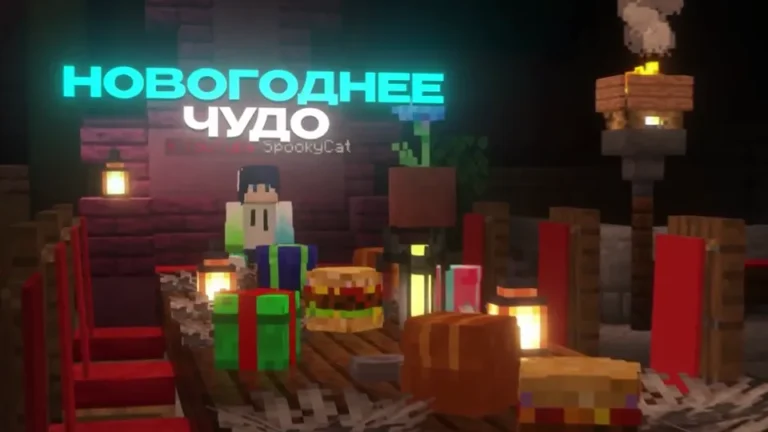
New Year update trailer
The New Year updates: 15% off everything in the store from December 27 to January 5, the New Year Miracle event where you can loot real tokens along with resources and gifts, Santa at
/warpsanta who swaps gifts for resources, and a tree with garlands. The/spookyrewards and the free tokens (/tokens) can be claimed again.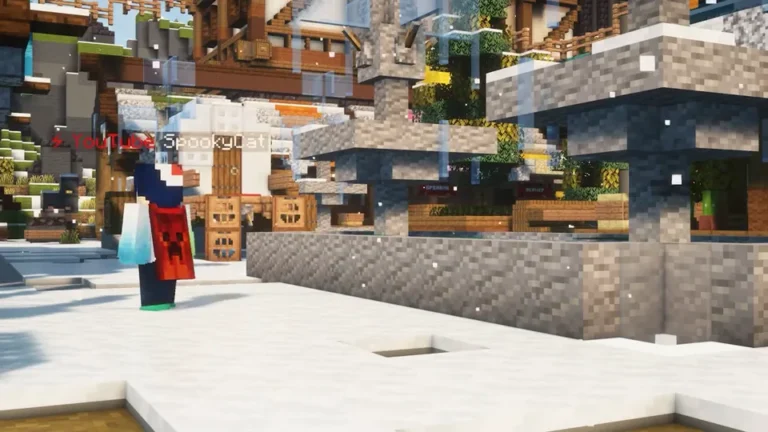 SpookyTimeWinter update trailer
TrailerSpookyTime archive
Winter update trailer
The trailer for the New Year wipe and the global winter update: trap skins (
/trap-skin), restoring rights on the Donat-Market, auto-relisting on the auction (/ahresell), a beacon that pays coins, the updated death chests, auto-collecting experience bottles, Protection V on diamond armor and teleports from clanmates. At the end come the dates: Duke and a billion tokens for everyone on the morning of December 13, and the wipe on December 14, 2024 at 13:00 Moscow time.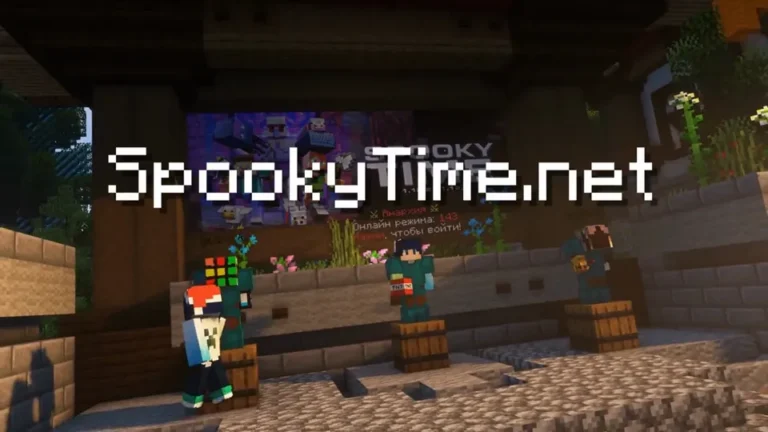 SpookyTimeSpookyTime trailer
TrailerSpookyTime archive
SpookyTime trailer
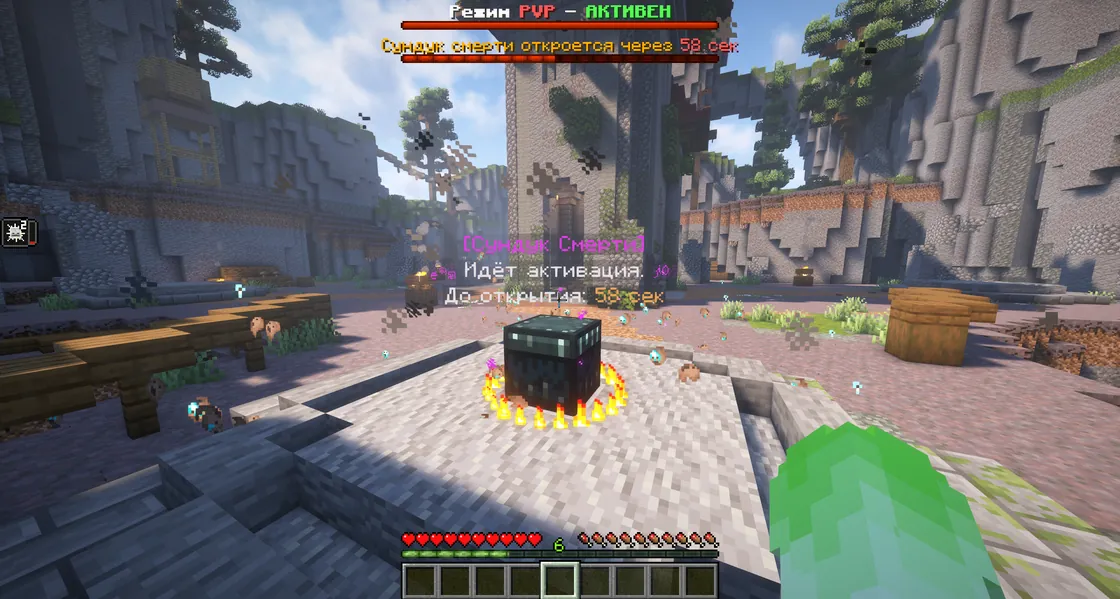
The server’s 2023 trailer, back on versions 1.12.2–1.16.5. It shows donor cases, the VK bot with account linking and 300 tokens, the death chests at
/warppvp with the/chestgps and/chestdelay commands, and the server spawn.